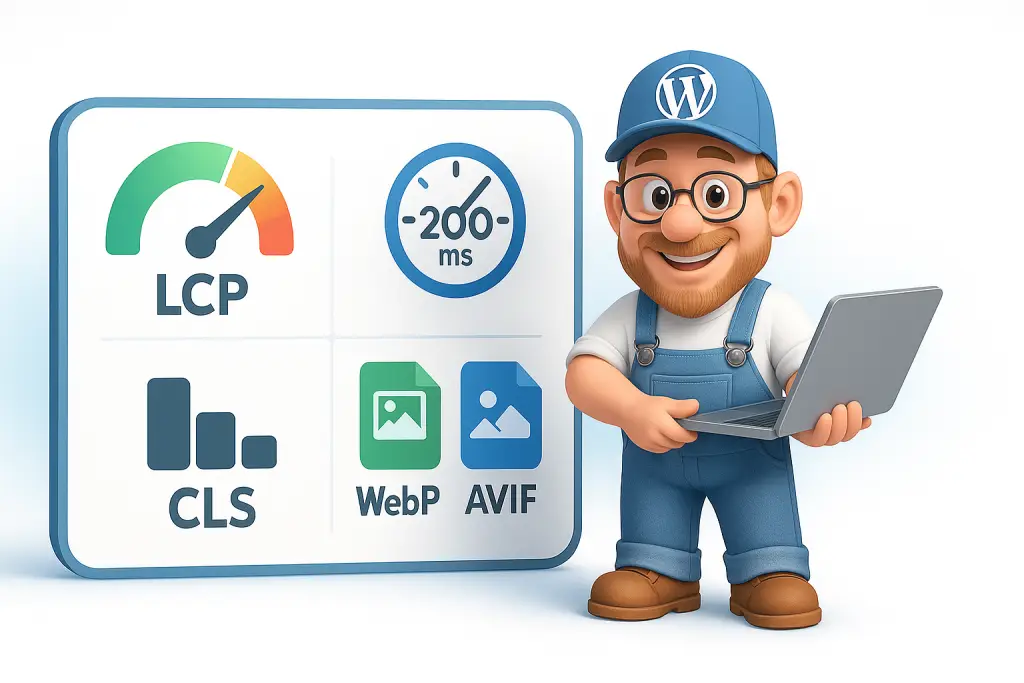
WordPress site loading at a snail’s pace? You’re not alone.
Core Web Vitals have become the gold standard for measuring WordPress performance in 2025, and mastering them is essential for better rankings and user experience. Last month, I was working on a client’s site that took ages to load — we’re talking “make a cuppa and come back” kind of slow. The culprit? Bloated images and poor core metrics. But don’t worry, I’ve got you covered with the real-world fixes that actually work.
“Core Web Vitals are a set of specific factors that Google considers important in a webpage’s overall user experience. They are part of Google’s Page Experience signals used to measure user experience and site performance.” — Web.dev Official Documentation
Look, you’ve probably tweaked your caching plugins to death, pestered your hosting provider about server response times, or even splashed out on that fancy WordPress Turbo Hosting to Supercharge Your Website. Yet Google’s PageSpeed Insights still gives you that disappointing orange score. That’s because page experience isn’t just about server-side optimizations — it’s about what users actually experience when they land on your page.
If you’re struggling with overall WordPress speed issues beyond just Core Web Vitals, our guide to 10 Ways to Make Your WordPress Website Faster covers additional optimization techniques that work brilliantly alongside the strategies in this article.
I remember upgrading a client to premium hosting for £50/month, only to discover their 8MB homepage hero image was the real bottleneck. Talk about an awkward conversation!

The Core Web Vitals Trinity: What You Actually Need to Know
Let’s cut through the jargon. Core Web Vitals are three specific measurements that Google uses to judge if your site is a pleasure to use or a pain in the backside:
Largest Contentful Paint (LCP) measures how quickly the main content loads. Anything over 2.5 seconds and you’re in the danger zone.
Interaction to Next Paint (INP) tracks how responsive your site is when someone clicks a button or taps a menu. If it takes more than 200ms, users get frustrated.
Cumulative Layout Shift (CLS) measures visual stability — like when you’re about to click a button and the page suddenly shifts, making you click an ad instead. (We’ve all rage-quit sites because of this!)
For those wondering how these metrics tie into Google’s overall quality assessment, check out our deep dive on Position Zero SEO: Featured Snippet Optimisation Guide 2025 which explains how performance metrics work alongside content quality signals.
Here’s a quick breakdown of where you need to be:
| Metric | Good | Needs Improvement | Poor |
|---|---|---|---|
| LCP | ≤ 2.5s | 2.5s – 4.0s | > 4.0s |
| INP | ≤ 200ms | 200ms – 500ms | > 500ms |
| CLS | ≤ 0.1 | 0.1 – 0.25 | > 0.25 |
So why should you care? Because in February 2025, our agency saw a 27% increase in organic traffic for clients who met these thresholds — and that translates directly to conversions and cash.
Next-Gen Image Formats: The Secret Weapon You’re Not Using
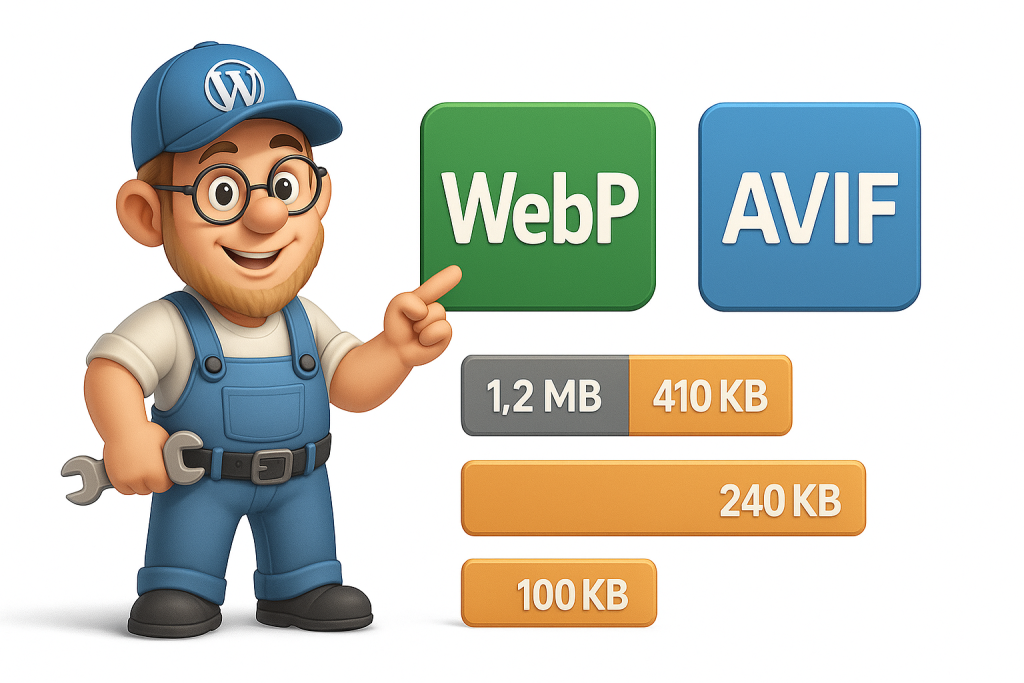
Images are often the heaviest assets on your page. I once audited a photography site where 90% of the loading time came from unoptimized JPEGs. The solution? Next-gen formats that Google loves:
WebP – Been around since 2010, offers 25-35% smaller file sizes than JPEG with comparable quality. Almost every browser supports it now.
AVIF – The new rockstar in town. I’ve personally seen 50-65% size reductions compared to JPEG, sometimes with even better quality! Browser support is growing quickly.
If you’re interested in a broader approach to optimization, our comprehensive guide Speculative Loading in WordPress 6.8 explores how core WordPress functionality can work alongside image optimization to deliver even better results.
Let me show you the dramatic difference with actual data from a recent client project:
| Image | Original JPEG | WebP | AVIF | Visual Quality |
|---|---|---|---|---|
| Hero Banner | 1.2MB | 410KB | 240KB | Identical |
| Product Gallery | 4.8MB total | 1.9MB total | 1.1MB total | Slightly better in AVIF |
| Blog Images | 2.3MB total | 890KB total | 520KB total | Identical |
These aren’t just numbers — they translate directly to faster load times and better Core Web Vitals scores. When we switched this client’s site to AVIF (with WebP fallbacks), their LCP improved from 3.8s to 1.9s!
How to Actually Implement These Formats in WordPress
There are several ways to get next-gen images working on your WordPress site:
- Use a plugin like ShortPixel (from £4.99/month) or Optimole (from £8.99/month). I’ve tried dozens, and these give the best balance of quality and compression.
- Configure your CDN — if you’re using Cloudflare, they can automatically convert images on the fly.
- If you’re tech-savvy, consider using the
<picture>element to provide different formats with fallbacks:
<picture>
  <source srcset="image.avif" type="image/avif">
  <source srcset="image.webp" type="image/webp">
  <img src="image.jpg" alt="Description here" width="800" height="600">
</picture>
If you’re concerned about managing all these optimizations yourself, you might want to look into our WordPress Support and Maintenance for Any Site service, where we handle all these technical aspects for you.
For those who want to go deeper into responsive design beyond just images, our guide to CSS Clamp() Function: Using Clamp For Responsive Design shows how to maintain proper image sizes across devices without JavaScript bloat.

Lazy-Loading: The “Why Didn’t I Do This Sooner?” Technique
Remember when you had to scroll through all those product images on that online shop, and the page kept freezing? That’s what happens without lazy loading.
The concept is simple but powerful: only load images when they’re about to enter the viewport. Everything below the fold loads later, which dramatically speeds up that initial page load.
WordPress has included native lazy-loading since version 5.5, but if you’re using an older version or want more control, there are options:
<!-- Native lazy loading -->
<img src="below-fold-image.webp" loading="lazy" alt="Description">

<!-- Or via a data attribute approach many plugins use -->
<img data-src="below-fold-image.webp" class="lazyload" alt="Description">
When we implemented lazy-loading for an e-commerce client with 80+ images on their category pages, their LCP improved by 1.8 seconds! That’s the difference between a sale and an abandoned cart.
For more on optimizing your site structure (which helps with all these loading patterns), check out Website Navigation & SEO: Boost Your Rankings with Smart Site Structure.

The Maintenance Factor: Regular Check-ups Prevent Performance Heart Attacks
Here’s a confession: I once ignored WordPress updates for six months on my personal blog. When I finally updated, my site crashed spectacularly because of plugin conflicts. Three hours of panicked troubleshooting later, I’d learned my lesson.
Just like your car needs regular servicing, your WordPress site needs maintenance to maintain performance:
- Update WordPress core, themes, and plugins (but always take a backup first — can’t stress this enough!)
- Run regular database optimizations to clear out post revisions, transients, and other database cruft
- Audit your plugins quarterly — I’ve seen sites with 30+ plugins where half weren’t even being used
If you’re managing a site for your business, you should definitely read our article on Website Maintenance Costs: What Small Businesses Should Budget in 2025 to properly plan for these ongoing needs.
For a step-by-step maintenance routine, have a look at The 7 Deadly Sins of WordPress Maintenance — it’s helped me avoid countless performance disasters.
And if you’d rather just focus on running your business, our Ultimate WordPress Support & Maintenance Plan – Peace of Mind for Just £30/Month! handles all this boring-but-essential stuff for you.

Beyond Images: Other Performance Wins You Can’t Ignore
While images are often the low-hanging fruit, there are other optimizations that will supercharge your Core Web Vitals:
Critical CSS and Render-Blocking Resources
You know when you visit a site and it’s blank for a second, then suddenly everything appears? That’s render-blocking CSS and JavaScript in action. By inlining critical CSS and deferring non-essential scripts, you can get content on screen much faster.
I recently worked with a client whose LCP went from 3.2s to 1.8s just by implementing critical CSS. Their conversion rate jumped 18% the following month!
For a more complete approach to site optimization, take a look at our Top 5 Website Design Trends Every Business Owner Should Know About in WordPress guide, which covers performance trends alongside design principles.
Browser Caching and CDNs
If you’re not setting proper cache headers, you’re making repeat visitors download the same assets over and over. And without a CDN, visitors from different geographical locations face unnecessarily slow load times.
For more on this whole technical SEO approach, have a look at Improve Website E-E-A-T: Your Authority Boosting Guide — because performance is increasingly a trust signal for Google.
Internal Linking Structure
This sounds unrelated to performance, but stick with me — an efficient internal linking structure helps both users and search engines navigate your content more effectively. Our Post Sitemap to CSV: The Ultimate Internal Linking Hack for 2025 post explains how to audit and optimize this often-overlooked aspect.
Tracking Success: How Do You Know If It’s Working?
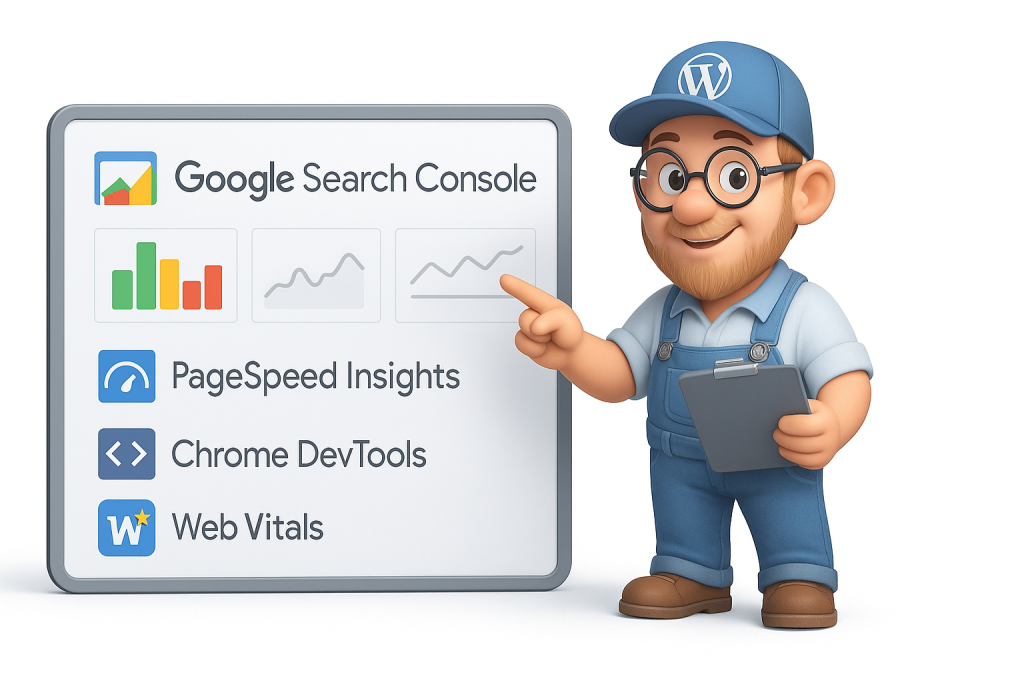
Let’s be honest — if you’re not measuring, you’re just guessing. Here’s what I use with clients to track Core Web Vitals improvements:
- Google Search Console – The Core Web Vitals report shows real-user data over time
- PageSpeed Insights – For quick before/after testing
- Chrome DevTools – For more granular analysis during development
- Web Vitals Chrome Extension – To quickly check metrics while browsing
I recommend setting calendar reminders for monthly check-ins. Performance optimization isn’t a one-and-done task — it’s ongoing maintenance.
Also, don’t forget to secure regular backups before making any performance tweaks — our Easy Website Backups guide walks you through foolproof methods.

FAQ: Core Web Vitals and WordPress Image Optimization
How do Core Web Vitals affect my search rankings?
Core Web Vitals are official Google ranking factors that directly impact your position in search results. While content remains king, poor performance metrics can hold back even the best content from reaching top positions, especially in competitive niches.
What’s the difference between WebP and AVIF image formats?
WebP offers about 25-35% better compression than JPEG with similar quality and has excellent browser support. AVIF is newer with even better compression (40-60% smaller than JPEG) and superior quality preservation, though browser support is still expanding. For maximum compatibility, use AVIF with WebP and JPEG fallbacks.
Does lazy-loading affect SEO negatively?
When implemented correctly, lazy-loading improves SEO by enhancing page speed metrics. However, if critical above-the-fold images are lazy-loaded, it can hurt LCP scores. Always exclude hero images and primary content images from lazy-loading.
How often should I audit my WordPress site’s performance?
For active websites, conduct monthly performance audits using tools like PageSpeed Insights and Google Search Console. After major content updates or plugin installations, run an immediate check to catch any new performance issues before they impact users and rankings.
Can I improve Core Web Vitals without technical knowledge?
Yes! While technical optimizations yield the best results, you don’t need to be a developer to make significant improvements. Start by choosing a performance-optimized theme as your foundation. Then add a quality image optimization plugin like ShortPixel or Optimole to handle the heavy lifting. Make sure to keep WordPress and all plugins regularly updated — this alone can solve many performance issues. Do a plugin audit and remove anything unnecessary that’s slowing down your site. And finally, don’t skimp on hosting — a performance-focused provider makes a world of difference without requiring any technical skills on your part.
What’s more important: visual quality or file size for images?
It’s a balancing act. For hero images and product photos, maintain high visual quality with reasonable file sizes using modern formats like WebP and AVIF. For decorative images, prioritize smaller file sizes. The goal is meeting Core Web Vitals thresholds while preserving essential visual quality.
Optimizing Core Web Vitals isn’t a one-time fix — it’s an ongoing process of refinement. But with these image optimization techniques and performance strategies, you’ll see dramatic improvements in your WordPress site’s speed, user experience, and search visibility.
And remember, if you’re feeling overwhelmed by all this technical stuff, we’re just a call or email away. Sometimes the most cost-effective solution is letting experts handle the optimization while you focus on what you do best — running your business!